Combined Reports allow the display of the company logo.
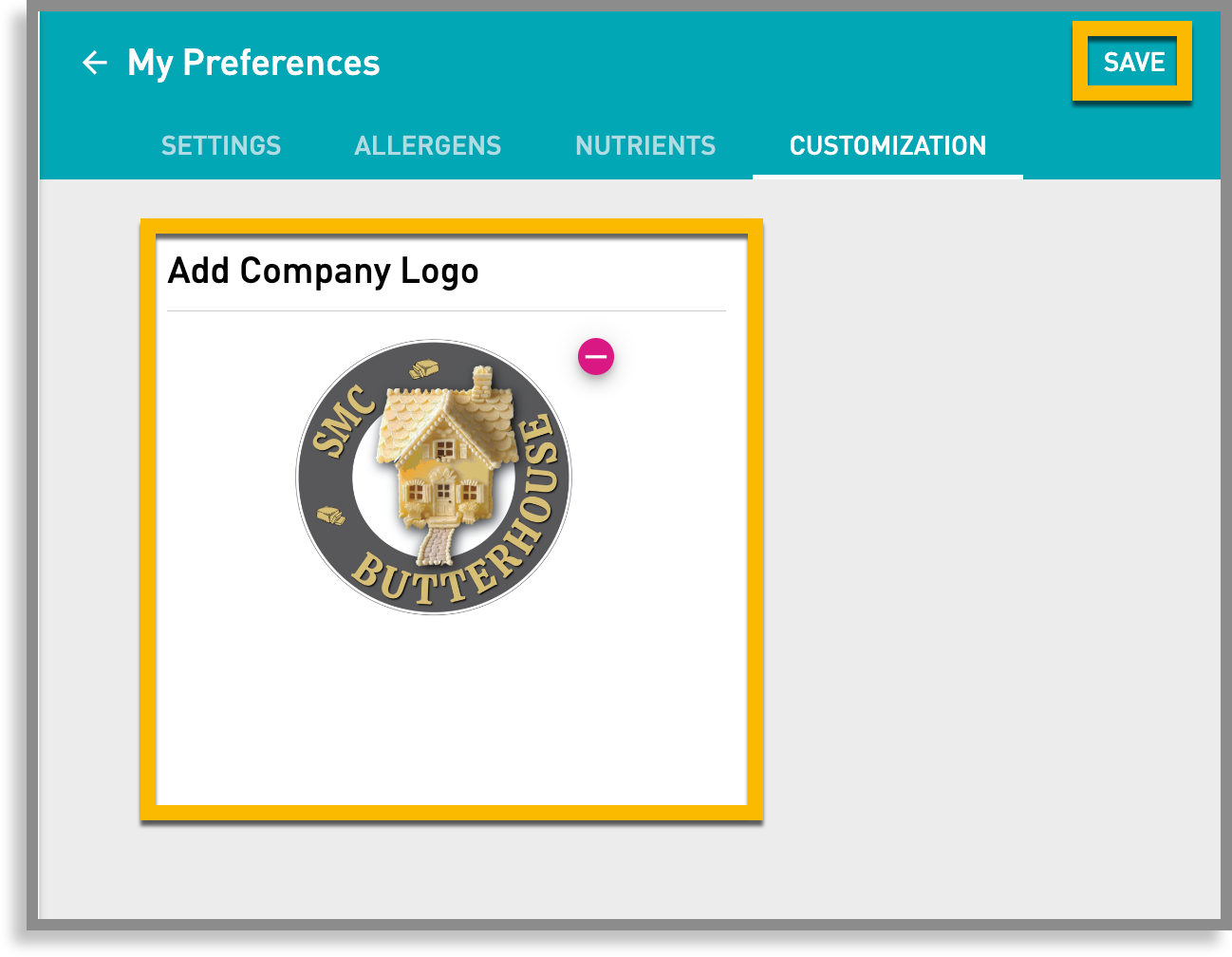
Upload a logo for the Combined Report
- Click My Preferences.
- Select Customization.
Do one of the following:
- Drag the logo to the upload box
- Click Choose a file to browse for the logo
Note: You must use a .jpg or .png file
Remember to click Save.
To view the logo on a Combined Report
- Select a recipe
- Click Reports
- Navigate to a Combined Report card
- Click view.
The company logo appears in the upper left of the report.