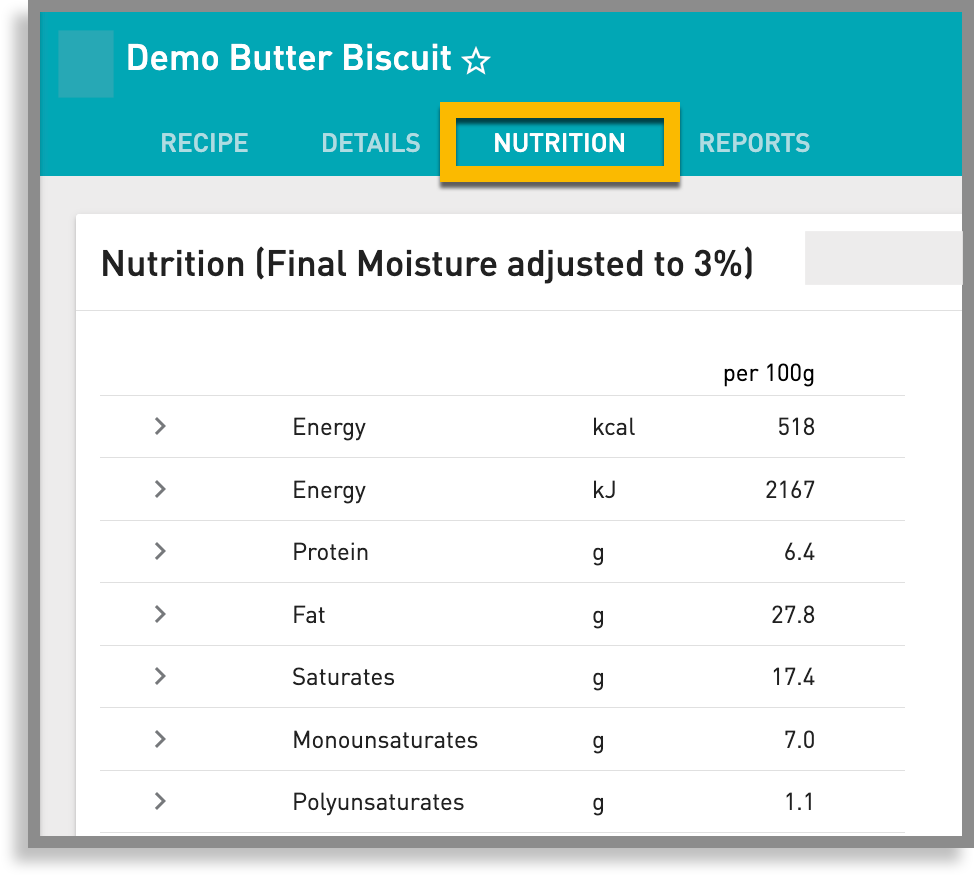
The nutrition information for one serving of your recipe can be found under the Nutrition tab. You can access this any time during the creation of your recipe.
The default serving size will always display 100g. Another serving size may be added.
Add another serving size column
- Click the Details tab
- Navigate to the Serving Size card
- Select Serving Size
- Enter a value for Serving Size or Portion Size
- Note: Measurement is automatically set to grams.
Calculate serving size from number of servings
Follow the same steps as above, except enter the Number of Servings created by the recipe.
Once the serving size has been entered or calculated, return to your Nutrition Tab and the additional column now appears for comparison.